
How Much Does It Cost to Build a Mobile App in 2026? (Real Pricing Breakdown)
If you’ve typed “how much does it cost to build an app” into Google, you’ve probably gotten answers ranging from $5,000 to $500,000, which is technically true and completely unhelpful. The honest answer is: it depends on what you’re building, but there are real, predictable ranges once you know which bucket your idea falls into.
At PWH Services, we’ve scoped and delivered 87+ projects across 6 countries, and the pricing question comes up in nearly every first call. So instead of another vague “it depends” article, here’s the actual breakdown we walk clients through before they ever see a quote.
The Short Answer
For 2026, most business apps fall into three tiers:
- Simple MVP or utility app: $5000–$10,000
- Mid-complexity app with backend, auth, and payments: $10,000–$30,000
- Complex or multi-platform app (marketplaces, on-demand, AI features): $30,000–$50,000+
Now let’s break down why the range is so wide, what actually moves your project from the bottom of a bracket to the top, and how to avoid the surprise costs that catch most first-time app founders off guard.
What Actually Drives the Price
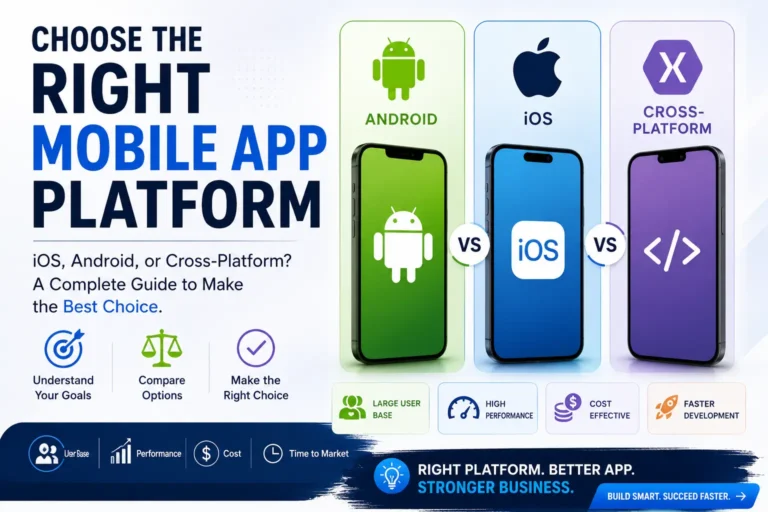
1. Platform Choice (iOS, Android, or Both)
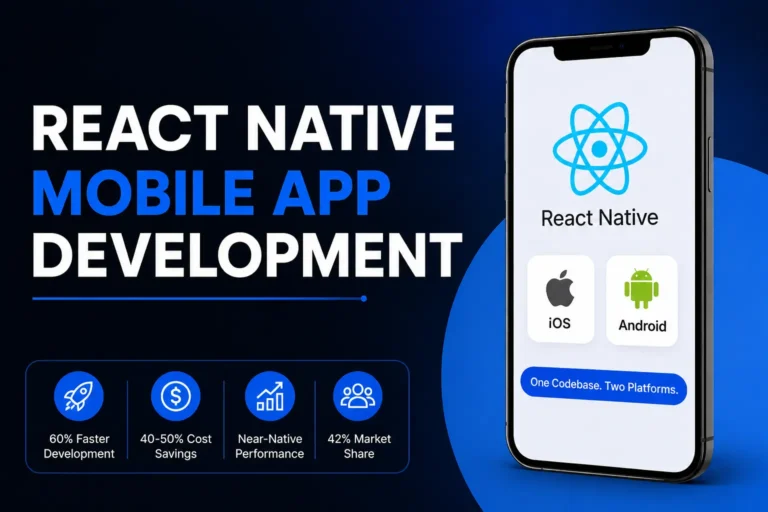
Building for both platforms at once with a cross-platform framework like Flutter is usually 30–40% cheaper than building two separate native apps, because you write one codebase instead of two. Native development (Swift for iOS, Kotlin for Android) still makes sense for apps that need deep hardware access — think AR, advanced camera processing, or specialized Bluetooth integrations — but for most business apps, cross-platform is the smarter budget decision.
This is exactly why our own mobile app development service is built around Flutter as the default: it lets us design, build, test, and publish to both the App Store and Google Play without doubling your budget or your timeline.
2. Backend Complexity
A simple app that stores data locally on the device is cheap. An app that needs user accounts, a real database, admin dashboards, third-party API integrations, or real-time features (chat, live tracking, push notifications) needs a proper backend, and that’s usually where budgets jump the most.
A good way to think about it: the frontend is what your users see and touch. The backend is everything that makes the app actually work, syncing data, processing payments, storing user information securely, and keeping everything running when thousands of people are using it at once. The more your app depends on real-time data or multiple users interacting with shared information, the more backend engineering it needs.
3. Design Depth
A functional UI template is far cheaper than a custom UI/UX process with wireframes, prototypes, and user testing. If your app is customer-facing and competing for attention (e-commerce, consumer social, marketplaces), custom design isn’t optional — it’s what keeps users from deleting the app after one session.
We treat this as its own discipline rather than an afterthought bolted onto development, our UI/UX design process exists specifically because a technically solid app with a confusing interface still fails in the market. Users don’t read documentation; they judge an app in the first 10 seconds.
4. Third-Party Integrations
Payment gateways, maps, AI/chatbot features, CRM syncing, and analytics tools all add scope. Each integration is usually a fixed, quotable cost, the issue is most founders don’t list all of them upfront, which is what causes budget surprises mid-project.
If your app idea includes any kind of smart recommendation engine, AI chat support, or automated workflows, that’s a distinct scope of work, our AI integration and automation service covers exactly that layer, and it’s worth scoping separately from the core app build so you know precisely what you’re paying for.
5. Post-Launch Support
A launched app isn’t a finished app. Bug fixes, OS updates, and feature iteration are ongoing. Agencies that quote “launch only” without support are quoting an incomplete number, factor in 15–20% of build cost annually for maintenance.
Cost Breakdown by App Type
Beyond the general tiers above, here’s a more specific view based on the kind of app you’re actually building. These are ballpark ranges — your exact number depends on features, design complexity, and integrations — but they’ll help you calibrate expectations before your first scoping call.
Internal business tools (staff scheduling, inventory tracking, internal reporting): $8,000–$18,000. These are usually the cheapest because there’s no public-facing design pressure and the user base is small and forgiving.
Booking or appointment apps (salons, clinics, service businesses): $15,000–$35,000. Costs rise with calendar syncing, payment processing, and notification systems.
E-commerce apps (product catalogs, cart, checkout, order tracking): $25,000–$60,000. Payment gateway integration, inventory syncing, and a polished shopping experience all add real engineering time.
On-demand or marketplace apps (think delivery, ride-booking, two-sided marketplaces): $50,000–$120,000+. These need real-time location tracking, two separate user experiences (customer and provider), and often a web-based admin panel on top of the mobile app itself.
Social or community apps: $40,000–$100,000+. Feeds, messaging, notifications, and content moderation systems are all deceptively expensive to build well.
AI-powered apps (personalized recommendations, AI chat, automated workflows baked into the core product): add roughly $10,000–$40,000 on top of the base app cost, depending on how deeply the AI features are integrated versus bolted on as a single feature.
Freelancer vs Agency Pricing
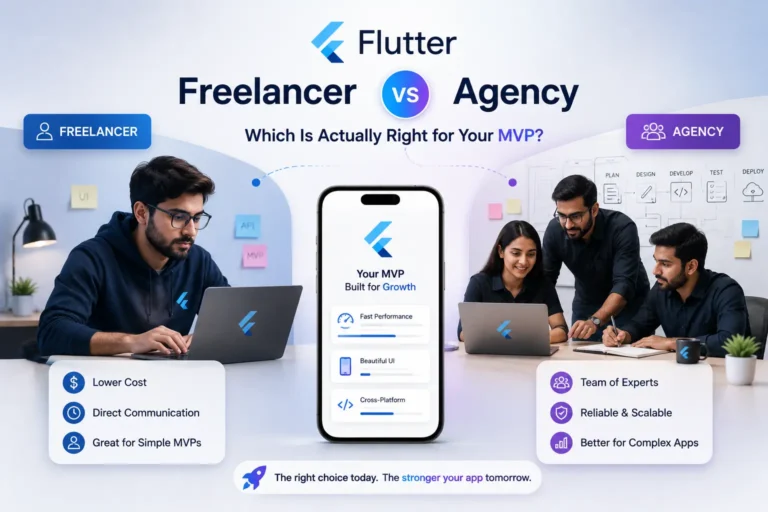
Freelancers are often 30–50% cheaper on paper, but the hidden cost is coordination: you become the project manager, QA tester, and the person chasing timelines. Agencies price in that structure, project management, testing, and a team that doesn’t disappear mid-build.
| Factor | Freelancer | Agency |
|---|---|---|
| Upfront cost | Lower | Higher |
| Project management | You handle it | Included |
| QA / testing | Often skipped | Built into process |
| Risk if they disappear | High — single point of failure | Low — team-based |
| Best for | Very small, narrowly scoped MVPs under $10K | Anything with real business dependency |
If your budget is under $10,000, a freelancer for a narrowly scoped MVP can make sense. Above that, the coordination overhead usually eats the savings, and a single freelancer becoming unavailable mid-project can stall your launch entirely.
Hidden Costs Founders Often Miss
A few line items that catch first-time app founders off guard, worth budgeting for from day one:
- App Store and Google Play fees — a one-time $99/year (Apple) and $25 one-time (Google) developer account fee, separate from your build cost
- Third-party API costs — mapping, SMS, and AI API usage often carry their own monthly usage-based fees once you scale
- Hosting and server costs — ongoing, and scale with your user base
- App Store optimization — getting found in the App Store or Play Store is its own discipline, separate from the build itself
- Post-launch iteration — your first version is a starting point, not a finished product; budget for at least one round of updates based on real user feedback
If your budget is under $10,000, a freelancer for a narrowly scoped MVP can make sense. Above that, the coordination overhead usually eats the savings, and a single freelancer becoming unavailable mid-project can stall your launch entirely.
How to Get an Accurate Quote (Not a Guess)
The fastest way to get a real number instead of a ballpark is to have a scoping conversation before you commit to anything. A good agency will ask about your target users, must-have features vs nice-to-haves, and your timeline, then hand you a fixed quote, not an hourly estimate that balloons.
Ready to Get a Real Number for Your App?
Instead of guessing where your idea lands in these ranges, tell us what you’re building and we’ll give you a clear, fixed quote, not a padded estimate. That’s exactly how we work: a scoped plan, fixed price, and full timeline within 24 hours, with milestones you approve before you pay anything.
👉 Get your free quote here or Book a free consultation and find out exactly what your app will cost, no obligation, no pressure.
If you’re an agency, freelancer, or studio interested in referring clients or building together on larger projects, we also welcome collaboration, check out our partner program to see how that works.
FAQs
How much does a simple app cost to build?
A simple MVP with basic features (a handful of screens, simple data storage, no complex backend) typically runs $8,000–$20,000 depending on design quality and platform choice.
Is Flutter cheaper than native app development?
A: Yes, in most cases. Because Flutter uses one codebase for both iOS and Android, it typically costs 30–40% less than building two separate native apps, without a meaningful difference in performance for most business apps.
How long does it take to build an app, and does that affect cost?
Most MVPs take 8–14 weeks; more complex apps take 4–6 months. Timeline and cost are directly linked — rushed timelines usually mean a larger team working in parallel, which raises the price.
Do I need a custom design, or can I use a template?
If your app is internal or utility-focused, a clean template-based UI is fine. If it’s customer-facing and you’re competing for user attention, custom UI/UX is worth the investment, it directly affects retention.
What’s included in ongoing app maintenance costs?
Bug fixes, OS/API updates (especially after Apple/Google platform updates), server costs, and minor feature tweaks. Budget roughly 15–20% of your initial build cost per year.
Does adding AI features significantly increase app cost?
It depends on depth. A simple AI chatbot layered onto an existing app is a moderate add-on cost. Deep AI personalization or automation built into the core product experience is a bigger scope and should be quoted separately from the base app.
Can I build an app in phases to spread out the cost?
Yes, this is usually the smartest approach. Launch an MVP with core features first, validate it with real users, then invest in additional features once you know the app has traction.
Written by the PWH Services team, who design and build mobile apps, websites and AI products for startups and growing businesses.