

Most founders expect their app to take four weeks. Most apps take three to six months. The gap isn’t usually slow developers. It’s everything nobody mentioned at the start.
So, how long does it take to build an app? This short guide from PWH Services gives you realistic timelines by app type, explains what really slows projects down, and shows how to launch sooner without cutting the corners that matter.
In This Guide
- The Short Answer
- App Development Timeline by App Type
- Where the Time Actually Goes
- The Delays Nobody Plans For
- How to Launch Sooner (Without Cutting Corners)
- When a Longer Timeline Is the Right Call
- FAQs
- Planning an App? Let’s Map Your Timeline
The Short Answer
A focused MVP usually takes 8 to 16 weeks from planning to launch. A standard app with payments, user accounts, and an admin panel takes 3 to 6 months, and a complex platform can take 6 to 12 months or more.
Add 2 to 4 weeks for app store setup, testing rules, and review, which many plans forget.
App Development Timeline by App Type
| App Type | What It Usually Includes | Typical Timeline |
|---|---|---|
| Clickable Prototype | Designs you can tap through, no code | 2 to 4 weeks |
| Simple MVP | One core user journey, basic accounts | 8 to 12 weeks |
| Standard App | Payments, notifications, admin panel, iOS and Android | 3 to 6 months |
| Complex Platform | Many user roles, integrations, real-time features | 6 to 12 months+ |
| Fixing an AI-Built Prototype | Review, cleanup, and finishing the missing parts | 2 to 8 weeks |
These are typical ranges, not promises. Your scope decides the real number.
Where the Time Actually Goes
Building the screens is only part of the job. A typical app project moves through five stages:
- Planning and Scope (1 to 2 weeks): Deciding what the first version must do, and what can wait.
- Design (2 to 4 weeks): Wireframes, the look of the app, and a clickable prototype.
- Development (4 to 16 weeks): Building the app, the backend, and the integrations, usually in short sprints.
- Testing (1 to 3 weeks): Testing on real phones, fixing bugs, and checking payments and security.
- Launch (1 to 4 weeks): Store accounts, privacy forms, review, and release.
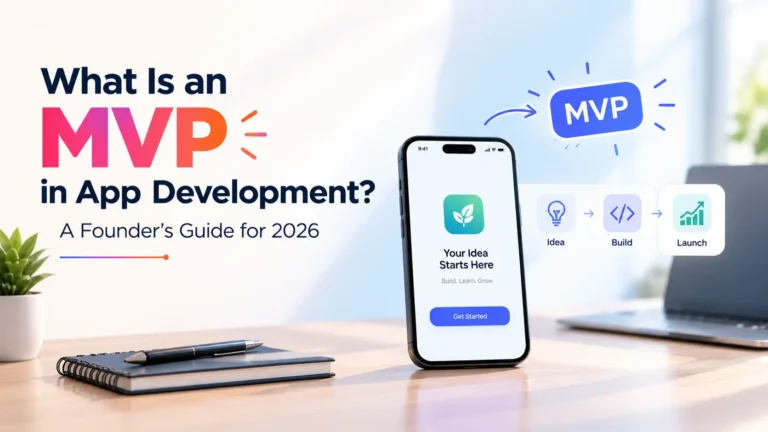
If you’re starting from an idea, our guide on what an MVP is in app development explains how to keep the first version small.
The Delays Nobody Plans For
These are the things that most often push a launch date back:
- Changing the Feature List Mid-Project: Every new feature adds design, development, and testing time.
- Slow Feedback: If approvals take a week, the project waits a week.
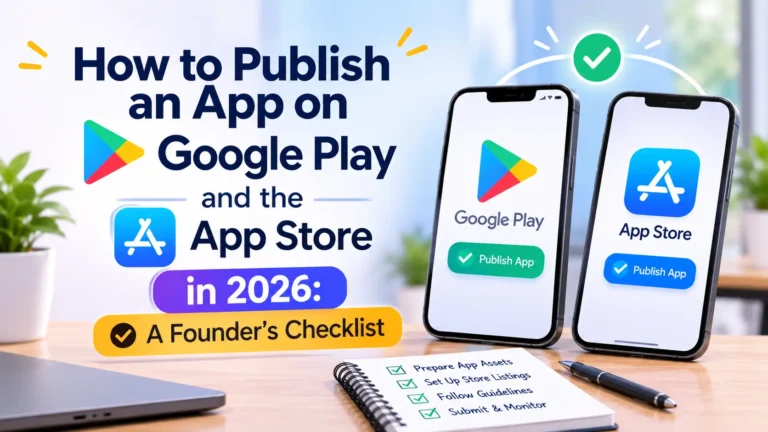
- App Store Requirements: New personal Google Play accounts must run a closed test with 12 testers for 14 days, and a first Apple rejection is common. Our guide on how to publish an app covers both stores.
- Third-Party Integrations: Payment providers, maps, or external systems can take longer than expected to set up and approve.
- Missing Content: Text, images, and legal pages that aren’t ready when the app is.
How to Launch Sooner (Without Cutting Corners)
- Build One Core Journey First: Launch with what tests your idea, then add features based on real users.
- Use One Codebase for iOS and Android: A cross-platform framework like Flutter usually saves weeks compared to two separate native apps.
- Open Your Store Accounts Early: Business verification can take weeks, so start during development.
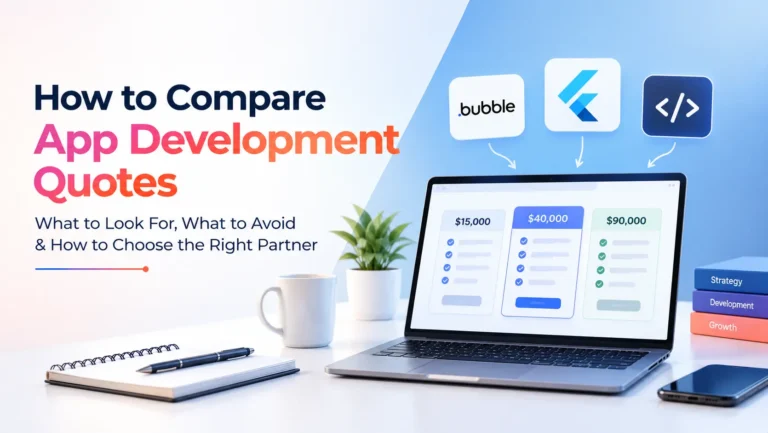
- Agree on a Fixed Scope and Milestones: A clear plan prevents surprises. Our guide on how to compare an app development quote shows what a good plan includes.
- Reply to Questions Fast: Quick decisions are one of the easiest ways to save time.
Do AI Tools Make It Faster?
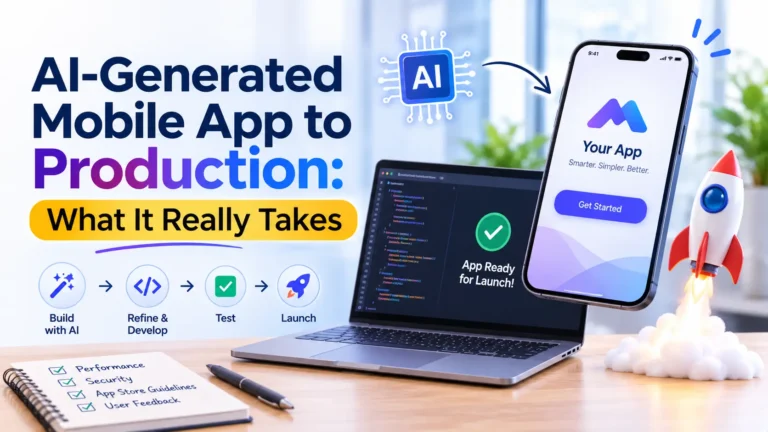
They can speed up early prototypes and some coding tasks. But testing, security, payments, and store approval still take time.
If you’ve already built something with an AI tool and got stuck, see how to hire a Lovable developer.
When a Longer Timeline Is the Right Call
Here is the honest part. Faster isn’t always better.
If your app handles health data, payments, or children’s content, extra time for security and compliance is worth it. Rushing those parts can cost far more after launch than a few extra weeks before it.
Planning an App? Let’s Map Your Timeline
At PWH Services, we start every project with a clear scope and a realistic timeline, not a guess.
Tell us what you want to build, and we’ll send an itemized fixed quote with milestones within 24 hours. You approve each milestone before you pay, and you own the code and every account from day one.
- See our MVP Development Services
- Explore our Mobile App Development Services
- Request a Fixed Quote
- Book a 30-Minute Call
Not sure where to begin? Read I Have an App Idea, Where Do I Start?
Frequently asked questions
A focused MVP usually takes 8 to 16 weeks, a standard app with payments and an admin panel takes 3 to 6 months, and complex platforms take 6 to 12 months or more. Add 2 to 4 weeks for app store setup and review.
Most MVPs take 8 to 16 weeks from planning to launch, as long as the first version focuses on one core user journey.
The most common reasons are changing features mid-project, slow feedback and approvals, app store requirements, integration delays, and content that isn’t ready on time.
A clickable prototype or a very simple app can be ready in about a month. A reliable app with accounts, payments, and both app stores usually needs more time.
Not if you use a cross-platform framework like Flutter, which builds both from one codebase. Two separate native apps usually take noticeably longer.

Written by the PWH Services team, who design and build mobile apps, websites and AI products for startups and growing businesses.