
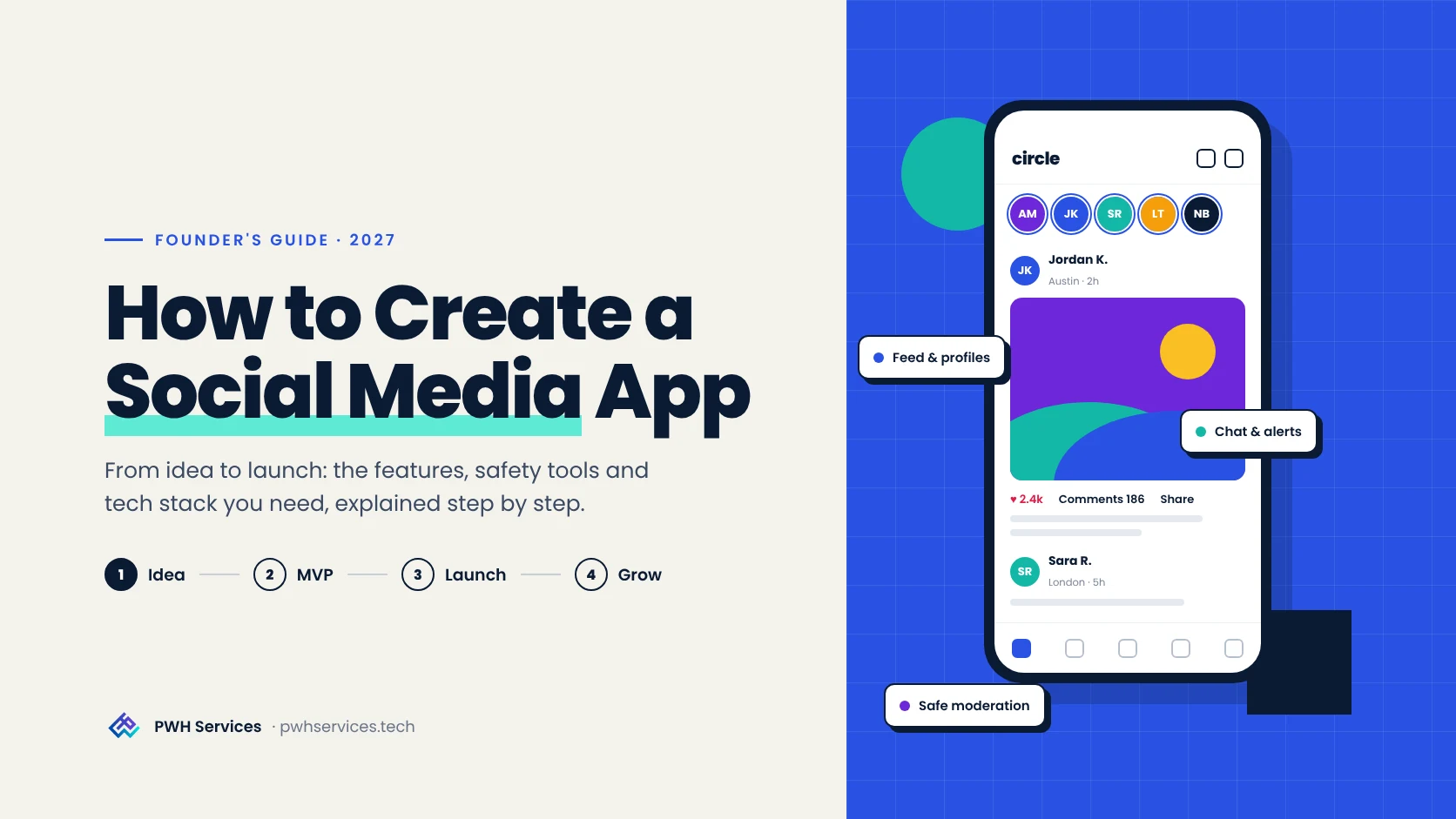
To create a social media app, start with one specific community and one core action people repeat every day, build a small MVP around it (profiles, a feed, posting, messaging, notifications and moderation tools), test it with real users, and only then add advanced features. A professional team typically needs 3 to 5 months for a solid first version on iOS and Android. US and UK agencies usually quote $50,000 to $120,000 for that first version, while an experienced offshore team can build a focused MVP starting from around $15,000.
This guide explains how to create a social media app step by step: which features you need first, what the tech stack looks like, how safety and moderation work, what it costs, and how to choose a social media app development company.
How to Create a Social Media App in 6 Steps
Here is the full process, from idea to launch. Each step is explained below.
- Pick a niche and one core action
- Decide your MVP features
- Plan the features that come later
- Build safety and moderation in from day one
- Choose the tech stack
- Follow a clear development process
Step 1: Pick a niche, not “the next Facebook”
New social apps rarely win by copying the giants. They win by serving one group better than anyone else. Apps like Wizz and Yubo, for example, focus on helping young people meet new friends, which is why so many people search for apps like Wizz.
Before any design or code, write down three things:
- Who it is for: for example, runners in one city, indie musicians, parents of toddlers, or remote workers.
- The core action: the one thing users do every day, such as sharing a run, posting a 30-second demo, or asking a quick question.
- Why they would switch: what your app does that Instagram, TikTok, Reddit or Discord does not do well for this group.
If you cannot answer these in one sentence each, the app is not ready to build yet.
Step 2: Decide your MVP features
An MVP (minimum viable product) is the smallest version that proves people want your app. For a social media app, that usually means these features:
| Feature | What it includes | Why it matters |
|---|---|---|
| Sign up and profiles | Email, phone or Google/Apple sign-in, profile photo, bio | Identity and trust |
| Feed | Posts from people you follow, sorted by time or relevance | The main reason to open the app |
| Posting | Text, photos and short video with upload and compression | Creates the content |
| Follow, likes and comments | Basic social graph and reactions | Feedback that brings users back |
| Direct messages | One-to-one chat with read receipts | Private connection |
| Push notifications | New follower, comment, message | Retention |
| Search and discovery | Find people, topics or hashtags | Growth inside the app |
| Report, block and admin panel | User reports, blocking, a dashboard to review content | Safety and app store approval |
Messaging can be a project of its own. Our guide on how to create a chat app covers it in more detail.
Step 3: Plan the features that come later
Keep these out of version one unless they are your core idea:
- Stories and disappearing posts
- Live streaming and group video calls (see our video calling app cost guide)
- AI-powered feed ranking and recommendations
- Groups, communities and events
- Creator tools, tipping and paid subscriptions
- AI content moderation and spam detection
Each of these can add weeks of development. Adding them after launch, based on what users actually ask for, saves money.
Step 4: Build safety and moderation in from day one
Any app with user-generated content needs moderation tools before it goes live. Apple’s App Store Review Guidelines require apps with user-generated content to offer a way to filter objectionable material, report offensive content and block abusive users. Google Play’s Developer Program Policies have similar rules.
Plan for:
- Report and block buttons on every post, comment and profile
- An admin dashboard to review reports and remove content
- Automatic filters for spam and banned words, and image screening
- Clear community guidelines and terms of use
If teenagers may use your app, the rules are stricter. In the US, COPPA restricts collecting data from children under 13. In the UK, the Online Safety Act and the ICO’s Age Appropriate Design Code set expectations for services likely to be used by children. Talk to a lawyer before launch if your audience includes minors.
Step 5: Choose the tech stack
| Layer | Common choices | Notes |
|---|---|---|
| Mobile app | Flutter or React Native | One codebase for iOS and Android, lower cost |
| Backend | Node.js, Laravel or Firebase | Firebase is fast for an MVP; a custom backend gives more control as you grow |
| Database | PostgreSQL, Firestore | Social graphs and feeds need good indexing |
| Media | Amazon S3 or Google Cloud Storage with a CDN | Photos and video are your biggest hosting cost |
| Real-time | WebSockets or Firebase | Chat, typing indicators and live updates |
| Notifications | Firebase Cloud Messaging, APNs | Push to Android and iOS |
For most startups, a cross-platform framework is the sensible start. If you are unsure, read how to choose the right mobile app platform. We compare the options in Flutter vs native Swift and Kotlin for startups.
Step 6: Follow a clear development process
- Discovery (1 to 2 weeks): define users, core action, MVP scope and success metrics.
- UX and UI design (2 to 4 weeks): user flows, wireframes and a clickable prototype (see our UI/UX design services) you can show to real users.
- MVP development (8 to 16 weeks): app, backend, admin panel and moderation tools, built in short milestones.
- Testing (2 to 3 weeks, overlapping): functional testing, real-device testing and a small private beta.
- Launch: App Store and Google Play submission, analytics and crash reporting.
- Iterate: watch retention, talk to users and add the next features they need.
New to this? Our guide on turning an app idea into a real product walks through the first decisions.
How much does it cost to create a social media app?
Cost depends mostly on the number of features, video handling, real-time features and moderation. Most published 2026 estimates from US and European agencies put a social media MVP at $50,000 to $120,000. Working with an experienced offshore team gives you the same scope for a fraction of that price.
| Version | What you get | Typical US/UK agency price | With PWH Services | Timeline |
|---|---|---|---|---|
| MVP | Profiles, feed, posts, likes, comments, chat, notifications, basic moderation | $50,000 to $120,000 | From $15,000 | 3 to 5 months |
| Growth version | Stories, groups, better discovery, analytics, stronger moderation | $120,000 to $250,000 | From $35,000 | 5 to 8 months |
| Advanced platform | Live video, AI recommendations, creator monetization, large-scale infrastructure | $250,000 and up | From $70,000 | 8 months and more |
Every project gets a fixed quote after a short discovery call, so you know the exact price before work starts. Also plan for running costs such as hosting, media storage, push notifications and maintenance, which start small and grow with your users. For a wider breakdown, see how much it costs to build a mobile app and our MVP development cost guide.
Want an exact price for your social media app?
Share your idea and our team will send a fixed quote and MVP plan within 24 hours. No obligation.
How social media apps make money
- Ads: works only at large scale.
- Subscriptions: premium features such as extra visibility, analytics or no ads.
- In-app purchases: boosts, stickers, profile extras.
- Creator monetization: tips, paid communities or paid posts, with the platform taking a share.
Pick one model early, even if you switch it on after launch, because it shapes the features you build. Our guide to mobile app monetization strategies compares the options in detail.
How to choose a social media app development company
A good partner should be able to show and explain the following before you sign:
- Apps they have shipped with feeds, chat or real-time features, ideally live in the stores (you can browse our portfolio)
- A fixed MVP scope with a written estimate and milestone payments
- How they handle moderation, privacy and app store rules
- Who owns the source code (it should be you) and how handover works
- Direct access to the developers, not only a salesperson
- Support and maintenance after launch
At PWH Services, we design and build mobile apps and MVPs for startups in the US, UK and Australia, with fixed quotes, milestone payments and full code ownership. See our mobile app development services and MVP development services.
Common mistakes to avoid
- Building every feature of Instagram before testing the core idea
- Launching without report, block and admin tools
- Ignoring video storage and bandwidth costs
- No plan for the first 1,000 users (an empty feed kills new social apps)
- Not owning your source code and accounts
Ready to build your social media app?
Turn your social app idea into a launch-ready MVP
PWH Services designs and builds mobile apps and MVPs for founders in the US, UK and Australia. In a free 30-minute call, we will:
- Review your idea and help you pick the right MVP features
- Recommend the tech stack and moderation setup
- Give you a realistic timeline and a fixed price range
Fixed quotes, milestone payments and 100% code ownership.
Book your free strategy call See our app development services
Frequently asked questions
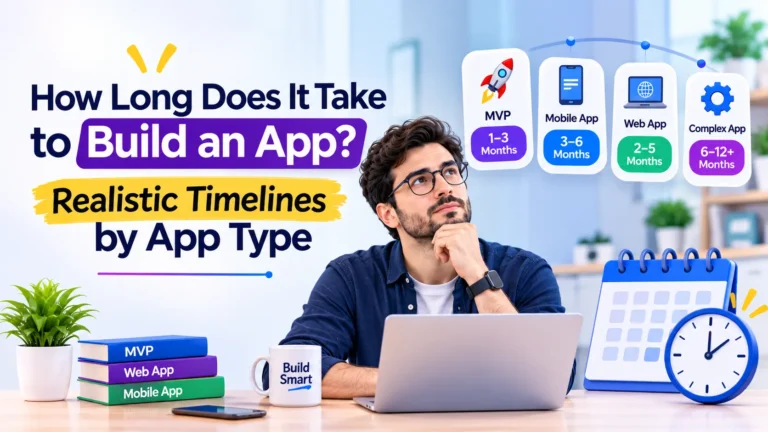
A focused MVP usually takes 3 to 5 months with a professional team. That includes discovery, design, development, testing and app store launch. A feature-rich platform with live video and AI recommendations can take 8 months or more.
US and UK agencies usually quote $50,000 to $120,000 for a social media MVP. With an experienced offshore team such as PWH Services, a focused MVP for iOS and Android starts from around $15,000. You get a fixed quote after a short discovery call, so the price is clear before development starts.
You can build a simple prototype with no-code tools such as FlutterFlow, Bubble or Lovable, which is a good way to test an idea with real users. Most teams move to custom code once they need real-time chat, video, strong moderation and the ability to scale.
With a cross-platform framework such as Flutter or React Native, you can launch on both iOS and Android at the same time for little extra cost. If you must choose one, start with the platform your target users use most.
At launch you need sign up and profiles, a feed, posting with photos or video, follows, likes and comments, direct messages, push notifications, search, and safety tools such as report, block and an admin panel. Everything else can be added after you see how people use the app.

Written by the PWH Services team, who design and build mobile apps, websites and AI products for startups and growing businesses.